
About
AutoDraw is a free browser drawing tool from Google Creative Lab. It combines simple drawing controls with machine-learning suggestions: sketch an approximate shape, choose a matching artist drawing, and continue refining the canvas. It is useful for making quick visuals without installing desktop illustration software.
✨ Key Features
- Draw in the browser — Start a canvas directly at AutoDraw.com.
- Use machine-learning suggestions — Turn rough sketches into selectable drawing suggestions.
- Choose artist-created drawings — Replace an approximate sketch with a cleaner icon-style drawing.
- Keep drawing manually — Use the normal drawing tools when no suggestion fits.
- Add visual elements — Build a quick composition with the available canvas tools.
- Work across input styles — Use mouse, touch, or compatible pointer input supported by the browser.
- Create lightweight visuals quickly — Make simple illustrations for notes, lessons, prototypes, or messages.
- Export the result — Download or share the finished canvas using the actions available in the current interface.
💳 Pricing
AutoDraw is free to use in the browser. The official product page does not present paid plans, subscriptions, quotas, or commercial-license tiers. Confirm current usage and export terms on the official page before using the output in a commercial workflow.
⚖️ Alternatives Compared
| Product | Best for | Public pricing | Key difference |
|---|---|---|---|
| AutoDraw | Quick browser sketches | Free to use | Converts rough sketches into suggested artist drawings |
| Canva AI | Template-based visual design | Free and paid plans | Offers broader layouts, templates, and publishing workflows |
| Adobe Firefly | AI-assisted visual generation | Free and paid plans | Focuses on generative image and design workflows |
🎯 Use Cases
- Teachers making a quick visual for a lesson.
- Students turning rough ideas into recognizable icons.
- Product teams sketching a lightweight interface concept.
- Writers adding a simple illustration to notes or drafts.
- Marketers creating a fast visual placeholder before production design.
- Anyone who needs a small drawing without installing an illustration app.
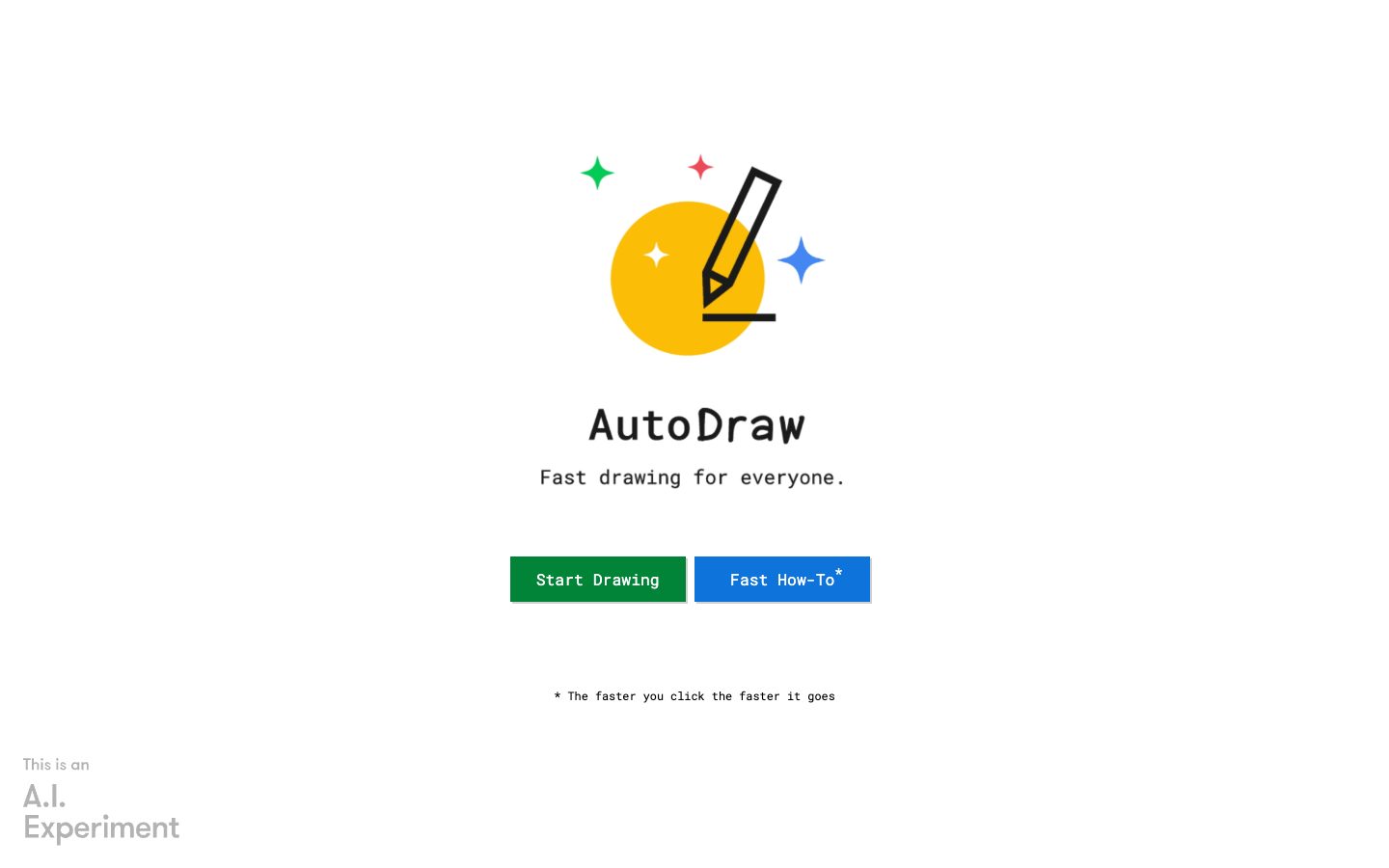
AutoDraw Website Overview
AutoDraw has an Ahrefs Domain Rating of 74 and falls within Cloudflare Radar's global top 200,000 popularity bucket. This bucket is unordered, and neither signal represents actual visits.
- Domain rating
- 74
- Popularity position
- Top 200,000
- Primary category
- Unavailable
- Ranked locations
- 0
Ahrefs
Cloudflare Radar
Cloudflare Radar
Cloudflare Radar
Website categories
No category data is available yet.
Top locations by rank
No location ranking is available yet.
Data coverage
Free popularity and domain-authority signals only; no estimated visits or engagement metrics are shown.
Sources: Domain Rating by Ahrefs · Cloudflare Radar · Oct 19, 2026. Cloudflare Radar data is licensed under CC BY-NC 4.0.
Similar tools
Fontjoy
FreeFree font-pairing tool that uses deep learning to generate contrasting, readable type combinations
Canva AI
FreemiumConversational AI for editable designs, branded content, images, video, writing, and interactive experiences
Uizard
FreemiumAI-powered UI design and prototyping from prompts, screenshots, and sketches
Relume
FreemiumAI website planning and design system for sitemaps, wireframes, and Webflow/Figma workflows
Framer AI
FreemiumAI website builder that creates editable pages and content on a visual canvas through publishing