
CapCut
FreemiumAI video generation and all-in-one editing for short-form creators, marketers, and teams
About
CapCut is a video creation workspace that combines timeline editing with AI-assisted generation and production tools. Its current AI video workflow can turn text prompts or images into short videos, and can combine generated scenes with scripts, voiceovers, captions, music, templates, and manual edits. CapCut positions the product for social video creation across TikTok, YouTube, Instagram, and other publishing channels; exact AI model availability and limits can vary by account, region, device, and plan.
✨ Key Features
- Text-to-video generation — Turn a written prompt into a short AI-generated video with selectable duration and aspect ratio.
- Image-to-video generation — Animate an uploaded image or use first and last frames to guide motion and scene continuity.
- AI video models — The reviewed official AI video page presents VEO 3.1 and Sora 2 as available generation models.
- AI script writing — Start from an idea or topic and generate a structured script for a video project.
- Voiceovers and text-to-speech — Add AI-generated voiceovers and choose from available voices for narrated content.
- Automatic captions — Add captions to generated or edited videos, then review and adjust the text in the editor.
- AI background removal — Remove video backgrounds as part of CapCut’s AI-assisted editing toolkit.
- Scene and music assistance — Combine generated scenes with smart scene suggestions and music integration.
- Timeline editing — Replace media, adjust scenes, apply effects, transitions, filters, and body effects, and refine the generated result manually.
- Social-ready export — Set resolution, frame rate, bitrate, and aspect ratio before exporting; the official workflow also describes direct sharing to YouTube and TikTok.
💳 Pricing
- Free — CapCut provides free access to its editor and a free AI video generator, with feature availability and usage limits depending on the workflow and region.
- Standard — CapCut’s official help center describes a Standard subscription as an available membership tier in some markets; price and included limits are shown in the logged-in upgrade flow.
- Pro monthly — A monthly CapCut Pro subscription is available where offered; the current price is shown after login and varies by region, device, taxes, and promotions.
- Pro annual — An annual CapCut Pro subscription is available where offered; the current price is shown after login and varies by region, device, taxes, and promotions.
- Teams — CapCut’s official help content references CapCut Teams pricing and plans; availability and price require checking the account’s current upgrade flow.
Pricing note — CapCut explicitly says that Pro pricing is not a fixed global amount. The public official guidance directs users to check the latest price in CapCut Online, desktop, or mobile after logging in, so this listing intentionally does not hard-code a currency amount.
⚖️ Alternatives Compared
| Product | Best for | Public pricing | Key difference |
|---|---|---|---|
| CapCut | AI-assisted short-form video generation and editing | Free access; Standard, Pro monthly/annual, and Teams availability varies by market | Combines prompt/image-to-video generation, captions, voiceovers, templates, and a familiar social-video editor |
| Descript | Transcript-based editing and recorded-media workflows | Free and paid plans; see official pricing | Centers editing around an editable transcript and supports screen recording, podcasts, and collaborative media workflows |
| VEED | Browser-based video editing and content production | Free and paid plans; see official pricing | Focuses on a web editor with creator and marketing production tools, while CapCut emphasizes short-form editing and AI media generation |
🎯 Use Cases
- Short-form social content — Generate a first cut from a prompt or image, then resize, caption, and export for TikTok, YouTube, or Instagram.
- Product demonstrations — Animate product images into short showcase clips and add narration, captions, music, and branded effects.
- Marketing campaigns — Turn a campaign idea or script into multiple scene-based video drafts for review and iteration.
- Educational explainers — Convert a lesson outline into a narrated video with captions and supporting visuals.
- Creator storytelling — Use text-to-video or image-to-video generation to prototype visual scenes before refining them on the timeline.
- Localization and accessibility — Produce voiceover and caption variants, then manually review names, terminology, and translations before publishing.
- High-volume social operations — Reuse templates and editing patterns to prepare recurring clips while keeping final creative and factual review human-controlled.
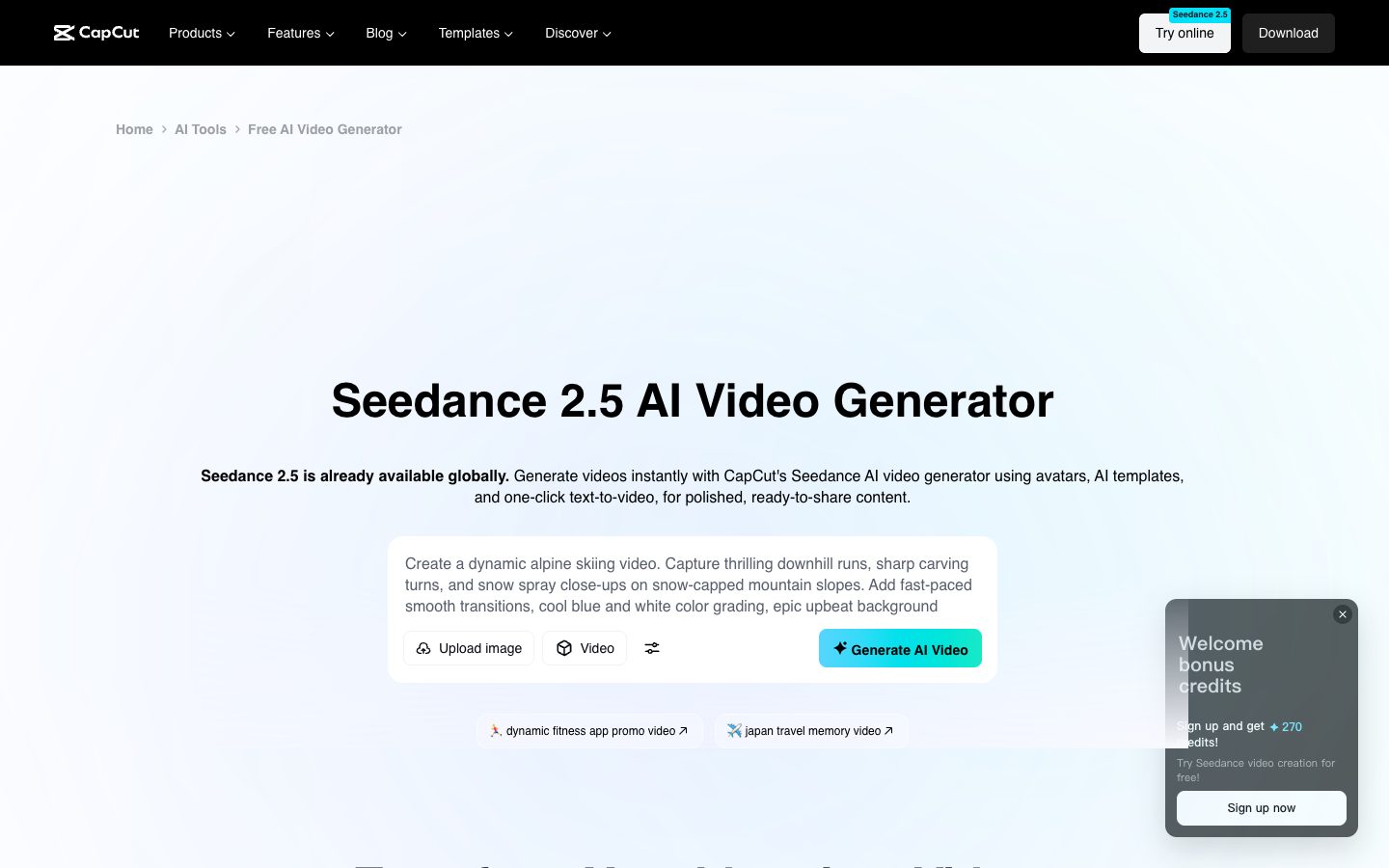
CapCut Website Overview
CapCut has an Ahrefs Domain Rating of 87 and falls within Cloudflare Radar's global top 500 popularity bucket. This bucket is unordered, and neither signal represents actual visits.
- Domain rating
- 87
- Popularity position
- Top 500
- Primary category
- Unavailable
- Ranked locations
- 0
Ahrefs
Cloudflare Radar
Cloudflare Radar
Cloudflare Radar
Website categories
No category data is available yet.
Top locations by rank
No location ranking is available yet.
Data coverage
Free popularity and domain-authority signals only; no estimated visits or engagement metrics are shown.
Sources: Domain Rating by Ahrefs · Cloudflare Radar · Oct 19, 2026. Cloudflare Radar data is licensed under CC BY-NC 4.0.
Similar tools
Promptsref
FreemiumCurated AI prompt library and creative workspace for image and video makers
Visro AI
FreemiumBrowser-based AI face swapping and photo/video creation with one-time credit packs
Captions
FreemiumAI video editing, generation, captions, translation, and avatar creation for social and marketing videos
OiiOii
FreemiumAI animation workspace for storyboards, characters, scenes and animated videos