
Clipchamp
FreemiumOnline video editing with AI subtitles, voiceovers, and recording tools
About
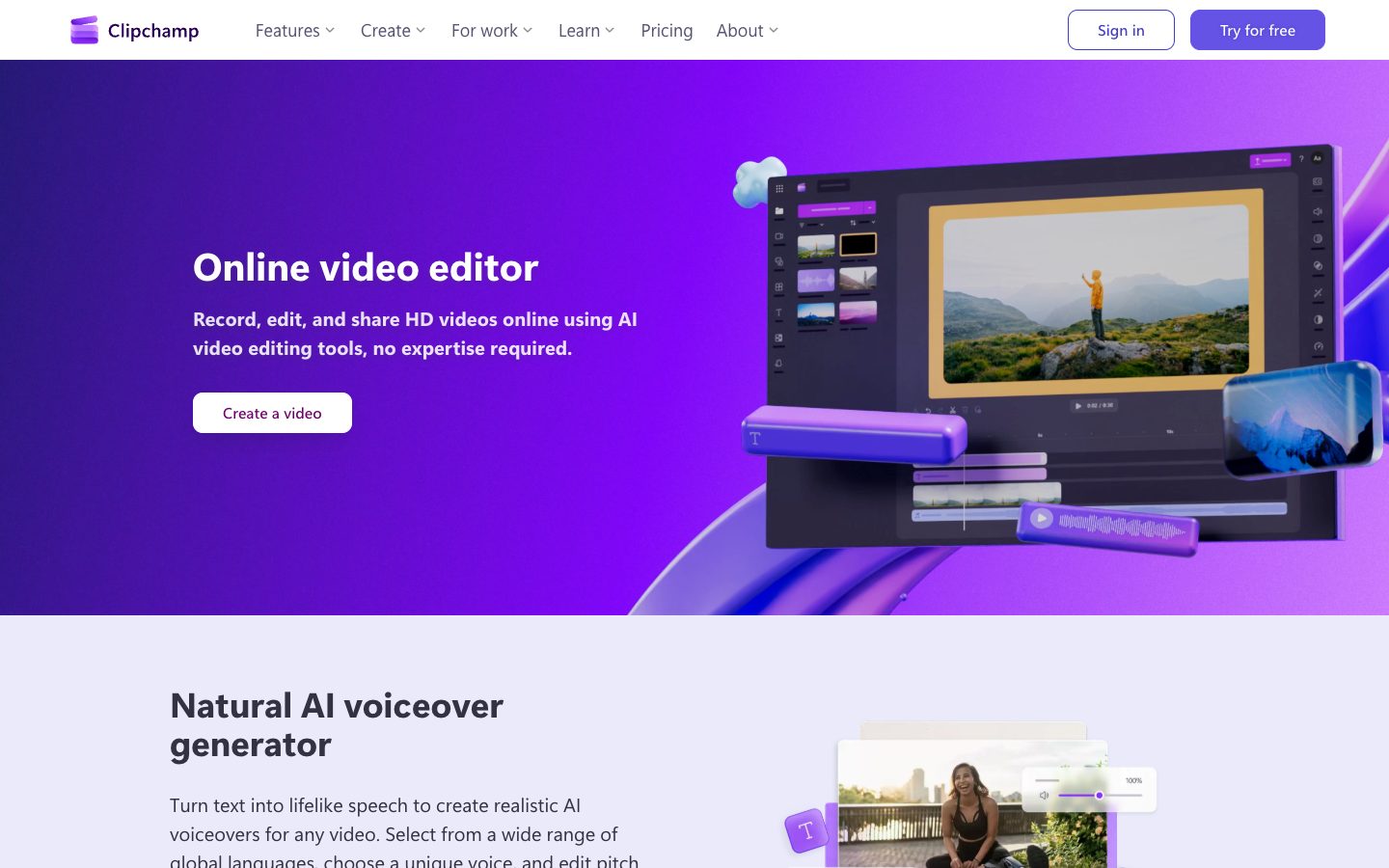
Microsoft Clipchamp is a browser-based video editor for recording, editing, and sharing videos. It combines trimming and layout tools with AI subtitles, text-to-speech voiceovers, silence removal, audio cleanup, stock media, screen/camera recording, and watermark-free exports. A Windows app is available, while premium capabilities are included with Microsoft 365 Personal and Family subscriptions.
✨ Key Features
- Edit videos online — Trim, crop, resize, rotate, and assemble video assets in the browser.
- Generate AI subtitles — Transcribe video audio and style captions in more than 80 languages.
- Create AI voiceovers — Convert scripts to speech and adjust voice, pitch, and pace.
- Clean up audio — Remove background noise, pauses, silences, and filler words.
- Record screen, camera, and voice — Capture source material with the online recorder.
- Use stock assets — Add royalty-free video, images, music, stickers, GIFs, and sound effects.
- Export without a watermark — Export unlimited videos and audio in HD on the free plan.
- Use Windows and Microsoft 365 — Access the desktop app and premium features through eligible subscriptions.
💳 Pricing
- Free — Free online editor with unlimited watermark-free exports up to 1080p HD, basic editing, AI subtitles, voiceovers, silence removal, and free stock assets.
- Premium — Included with Microsoft 365 Personal and Family; adds 4K UHD export, premium stock assets, premium effects, and one brand kit.
- Work and education — Standard Clipchamp is included with some Microsoft 365 business and education licenses; premium AI video creation requires an eligible Copilot license.
⚖️ Alternatives Compared
| Product | Best for | Public pricing | Key difference |
|---|---|---|---|
| Clipchamp | Browser video editing and recording | Free and Microsoft 365 premium access | Combines editing, recording, stock assets, and AI audio/video tools |
| CapCut | Social and short-form video | Free and paid plans | Emphasizes creator effects and social video workflows |
| VEED | Collaborative online editing | Free and paid plans | Provides a broad browser editing and publishing workspace |
| Adobe Podcast | Speech-focused audio enhancement | Free and Premium access | Specializes in spoken-audio cleanup rather than full video editing |
🎯 Use Cases
- Creators producing YouTube or social videos.
- Teams recording screen demonstrations.
- Educators creating captioned lessons.
- Marketers assembling promo and demo videos.
- Podcasters preparing video versions of episodes.
- Remote teams cleaning meeting recordings.
Clipchamp Website Overview
Clipchamp has an Ahrefs Domain Rating of 82 and falls within Cloudflare Radar's global top 50,000 popularity bucket. This bucket is unordered, and neither signal represents actual visits.
- Domain rating
- 82
- Popularity position
- Top 50,000
- Primary category
- Unavailable
- Ranked locations
- 0
Ahrefs
Cloudflare Radar
Cloudflare Radar
Cloudflare Radar
Website categories
No category data is available yet.
Top locations by rank
No location ranking is available yet.
Data coverage
Free popularity and domain-authority signals only; no estimated visits or engagement metrics are shown.
Sources: Domain Rating by Ahrefs · Cloudflare Radar · Oct 18, 2026. Cloudflare Radar data is licensed under CC BY-NC 4.0.
Similar tools
Captions
FreemiumAI video editing, generation, captions, translation, and avatar creation for social and marketing videos
OiiOii
FreemiumAI animation workspace for storyboards, characters, scenes and animated videos
Runway
FreemiumGenerative image, video, and audio creation with model-driven creative workflows
Hailuo AI
FreemiumA multimodal AI creation studio for turning text and images into expressive videos and visuals
Kling AI
FreemiumAI studio for generating and editing images and videos from text or visual references
Luma Dream Machine
FreemiumAI image and video creation with keyframe animation and footage transformation