
Gemini Notebook
FreemiumFormerly known as NotebookLM, Google NotebookLM
A source-grounded research and writing assistant for turning your documents into understanding
About
Gemini Notebook, formerly NotebookLM, is Google’s source-grounded research and writing assistant. Users create notebooks, add PDFs, websites, Google Docs, Slides, YouTube URLs, audio, or copied text, then ask questions whose answers are grounded in the selected sources. Studio tools can generate summaries, FAQs, timelines, briefing documents, Audio Overviews, Video Overviews, infographics, slide decks, flashcards, quizzes, and other artifacts. Standard and paid Google AI benefits differ in notebook, source, query, and artifact limits; Gemini Notebook does not use notebook uploads and chats to train foundational models unless the user provides feedback, according to Google’s help material.
✨ Key Features
- Create source-based notebooks — Organize a topic or project into a dedicated notebook.
- Add varied sources — Import PDFs, websites, Google Docs, Slides, YouTube URLs, audio, and copied text where supported.
- Ask grounded questions — Query your sources and receive answers with citations to the underlying material.
- Select source context — Choose which sources are included when asking a question.
- Generate summaries and briefings — Turn source material into concise overviews and briefing documents.
- Create Audio Overviews — Convert notebook content into AI-hosted audio discussions and summaries.
- Create Video Overviews — Generate visual explanations from notebook sources where available.
- Build visual and study artifacts — Create infographics, slide decks, flashcards, quizzes, FAQs, and timelines.
- Customize notebook behavior — Custom chat and analytics are available to all users; advanced sharing depends on paid access.
- Share notebooks — Collaborate or share a notebook with access controls subject to account type and plan.
- Use mobile workflows — Add sources from a phone and listen to downloaded Audio Overviews where supported.
- Keep research connected with Gemini — Access notebooks from Gemini Apps, with clear differences in how each app grounds responses.
💳 Pricing
Standard access is available free of charge to eligible accounts. Higher access is offered through Google AI Plus, Pro, Ultra, qualifying Workspace plans, and Google Cloud. Prices are regional.
Since September 2, 2026, compute-based AI limits depend on prompt complexity, model, feature, and chat length. Quota refreshes every five hours until a weekly cap is reached. Plus has 2x standard AI limits, Pro 4x, and Ultra 5x or 20x Pro depending on subscription. Check Settings > Usage and the in-product usage indicator.
The upgrade table still publishes older per-feature daily counts. Their relationship to the newer compute limits is not fully explained; those counts may be additional ceilings or outdated and are not guaranteed as the sole allowance. Notebook and source limits also vary by plan.
⚖️ Alternatives Compared
| Product | Best for | Public pricing | Key difference |
|---|---|---|---|
| Gemini Notebook | Research grounded in a user-curated source set | Standard access; higher limits through Google AI plans | Keeps Q&A and generated artifacts anchored to notebook sources, with citations and study outputs |
| Elicit | Academic literature search and synthesis | Free and paid research plans | Focuses on scholarly-paper discovery, screening, and research reports |
| Connected Papers | Exploring related academic papers | Free and paid options | Visualizes relationships among papers rather than building a source-grounded notebook |
| Perplexity | Web research and cited answers | Free and paid options | Centers on live web search and answer generation beyond a fixed personal source set |
🎯 Use Cases
- Studying a collection of academic papers.
- Asking questions about a long PDF or set of reports.
- Turning research sources into an audio overview for review.
- Creating a briefing document before a meeting.
- Building flashcards and quizzes for exam preparation.
- Summarizing a company’s public documents or product materials.
- Comparing multiple sources while preserving citations.
- Creating a slide deck or infographic from curated material.
- Sharing a project notebook with collaborators.
- Continuing research from a mobile device or inside Gemini Apps.
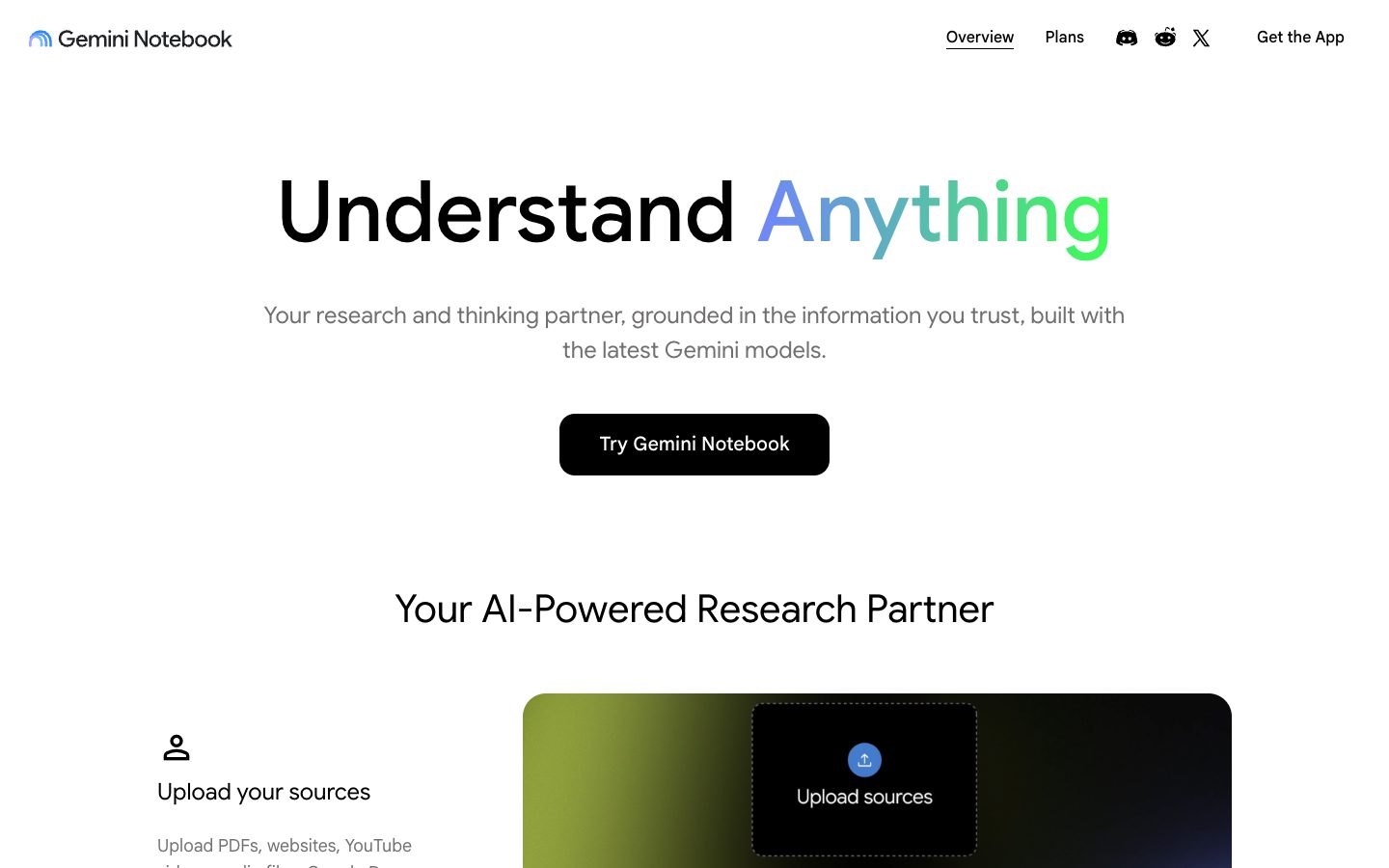
Gemini Notebook Website Overview
Gemini Notebook has an Ahrefs Domain Rating of 100 and falls within Cloudflare Radar's global top 200,000 popularity bucket. This bucket is unordered, and neither signal represents actual visits.
- Domain rating
- 100
- Popularity position
- Top 200,000
- Primary category
- Unavailable
- Ranked locations
- 0
Ahrefs
Cloudflare Radar
Cloudflare Radar
Cloudflare Radar
Website categories
No category data is available yet.
Top locations by rank
No location ranking is available yet.
Data coverage
Free popularity and domain-authority signals only; no estimated visits or engagement metrics are shown.
Sources: Domain Rating by Ahrefs · Cloudflare Radar · Oct 18, 2026. Cloudflare Radar data is licensed under CC BY-NC 4.0.
Similar tools
Rayyan
FreemiumCollaborative literature-review platform for screening studies and organizing evidence
Humata
FreemiumDocument questions, cited answers and summaries across uploaded files with free and paid plans
Litmaps
FreemiumLitmaps is interactive literature maps with AI suggestions for related papers.
SciSpace
FreemiumAI workspace for discovering, reading and writing scientific literature
Connected Papers
FreemiumVisual graphs for discovering and exploring related academic papers
ResearchRabbit
FreemiumDiscover related papers through visual citation maps and organize literature in shared research collections.