
Humata
FreemiumDocument questions, cited answers and summaries across uploaded files with free and paid plans
About
Humata is an AI workspace for asking questions about uploaded documents and turning source material into usable insights. It is built around files rather than general chat: users can upload PDFs or folders, ask questions across documents, receive answers with citations, summarize and compare papers, and share or embed a document-based assistant. It serves researchers, students, analysts, legal and business teams, and anyone who needs to read dense material faster.
✨ Key Features
- Document and PDF upload — Drag in files or folders, or import a publicly available PDF by URL through the API; the Ask experience becomes available after processing.
- Cited answers — Ask questions about one or many uploaded files and trace answers back to referenced pages or source passages.
- Grounded, Balanced, and Creative modes — Choose whether answers must stay strictly within the documents, combine document evidence with additional context, or respond more freely.
- Summarization and comparison — Ask Humata to summarize long papers, compare documents, extract findings, or rewrite an explanation.
- Folders and file organization — Group documents, move files between folders, and create a more structured knowledge workspace.
- Custom prompts — Set reusable instructions for chats, such as writing style, language, classification, summarization, translation, or ordering.
- Webpage and embed assistants — Import a website for document-style questioning or embed a Humata chat view into a webpage.
- API access — Import documents from URLs and ask questions through streamed API responses; supported models and answer approaches are documented by Humata.
- Team permissions and security — Higher plans add department/folder permissions, response personalization, OCR for scanned text, enterprise support, and security controls.
- Usage-based page billing — Plans include monthly free pages and charge for additional uploaded PDF pages according to the selected plan.
💳 Pricing
- Free — $0/month; 1 user and 60 free pages per month with basic features. The homepage separately lists up to 10 answers for Free; it does not identify a renewal period for that answer allowance, so do not treat it as unlimited.
- Expert — $9.99/month; up to 3 users, 500 free pages per month, $0.02 per additional page, chat support, and GPT-5 support.
- Team — $49/user/month; up to 10 users, 5,000 free pages per month, $0.01 per additional page, enterprise support, department/folder permissions, OCR, and response personalization.
- Enterprise — Custom per user/month; unlimited users and custom page allowances, with enterprise support, permissions, OCR, response personalization, SOC-2 materials, uptime SLA, and early feature access.
Humata bills monthly. The current pricing page shows free-page allowances and additional-page rates; taxes, model availability, usage, seat count, and enterprise terms can change the final cost. Confirm the live checkout and data-handling terms before uploading confidential material.
⚖️ Alternatives Compared
| Product | Best for | Public pricing | Key difference |
|---|---|---|---|
| Humata | Citation-aware questions and summaries over uploaded documents | Free; Expert from $9.99/month; Team from $49/user/month; Enterprise custom | Centers the workflow on source files, page citations, answer modes, and embedded document assistants |
| ASReview | Systematic-review screening | Free/open-source and service options; see official terms | Focuses on prioritizing and screening literature records rather than general document chat |
| Connected Papers | Visual literature discovery | Free and paid access; see official pricing | Builds graphs of related academic papers instead of answering questions inside uploaded files |
| Consensus | Evidence-based research search | Free and paid plans; see official pricing | Searches research literature and synthesizes evidence, while Humata works from the user’s own files |
🎯 Use Cases
- Reading research papers — Ask for summaries, methods, findings, limitations, and cited passages across a paper set.
- Comparing documents — Find differences between reports, contracts, policies, or versions of a proposal.
- Preparing a briefing — Turn a folder of source material into a cited outline, answer set, or executive summary.
- Studying course material — Upload readings and ask grounded questions instead of searching every page manually.
- Reviewing legal or business files — Extract clauses, obligations, dates, risks, and supporting page references for human review.
- Building a team knowledge assistant — Organize shared files, apply permissions, and embed a document Q&A experience.
- Automating document workflows — Use the API to import PDFs and stream questions into an internal application.
- Working with scanned documents — Use OCR on supported higher-tier plans, then verify extracted text and citations.
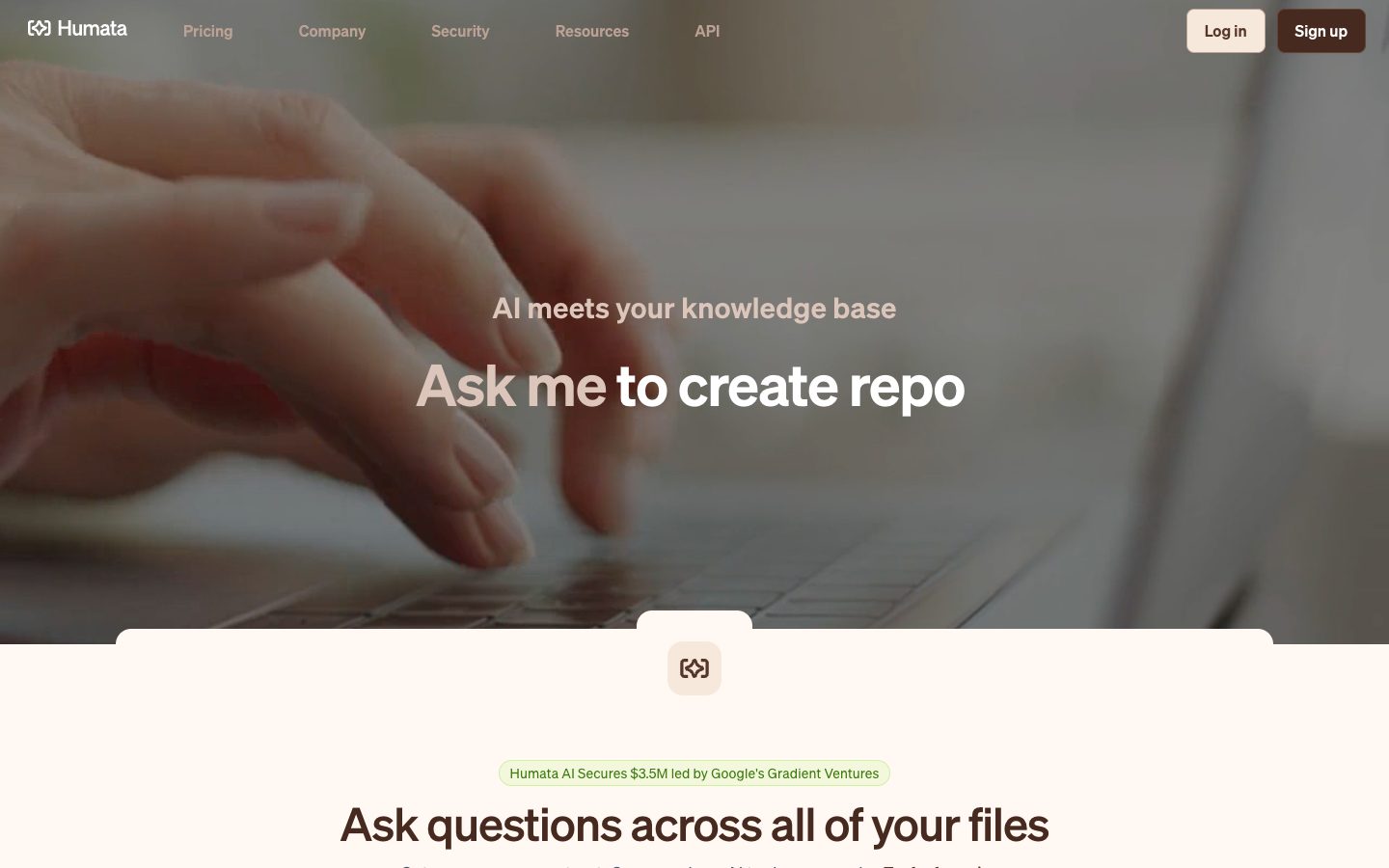
Humata Website Overview
Humata has an Ahrefs Domain Rating of 65 and falls within Cloudflare Radar's global top 200,000 popularity bucket. This bucket is unordered, and neither signal represents actual visits.
- Domain rating
- 65
- Popularity position
- Top 200,000
- Primary category
- Unavailable
- Ranked locations
- 0
Ahrefs
Cloudflare Radar
Cloudflare Radar
Cloudflare Radar
Website categories
No category data is available yet.
Top locations by rank
No location ranking is available yet.
Data coverage
Free popularity and domain-authority signals only; no estimated visits or engagement metrics are shown.
Sources: Domain Rating by Ahrefs · Cloudflare Radar · Oct 18, 2026. Cloudflare Radar data is licensed under CC BY-NC 4.0.
Similar tools
Rayyan
FreemiumCollaborative literature-review platform for screening studies and organizing evidence
Litmaps
FreemiumLitmaps is interactive literature maps with AI suggestions for related papers.
Gemini Notebook
FreemiumA source-grounded research and writing assistant for turning your documents into understanding
SciSpace
FreemiumAI workspace for discovering, reading and writing scientific literature
Connected Papers
FreemiumVisual graphs for discovering and exploring related academic papers
ResearchRabbit
FreemiumDiscover related papers through visual citation maps and organize literature in shared research collections.