
About
Miro is a collaborative visual workspace built around an infinite canvas. Teams can combine whiteboards with Docs, Tables, Timelines, Kanban, Slides, diagrams, prototypes, and workshops. Miro AI adds prompt-based generation, synthesis, summaries, text transformation, Sidekicks, and Flows, while the Miro MCP server connects board context with compatible AI and coding tools. Miro AI runs in browser, desktop, and mobile experiences, but guests and visitors cannot run AI actions.
✨ Key Features
- Infinite collaborative canvas — Place notes, shapes, images, documents, and other content together on shared boards.
- Docs and structured formats — Use Docs, Tables, Timelines, Kanban, and Slides on the canvas.
- Miro AI generation — Prompt Miro AI to create text, diagrams, tables, Docs, images, and other board content.
- Synthesis and summaries — Cluster sticky notes, summarize discussions, and turn research or workshop input into structured results.
- Text refinement and translation — Fix, shorten, rewrite, change tone, and translate selected text into supported languages.
- AI Workflows and Flows — Build visual, repeatable workflows that generate outputs in Miro formats.
- Sidekicks — Use specialized AI collaborators for tasks in the Business and applicable higher plans.
- Prototyping — Generate interactive prototypes from screenshots, HTML, code, prompts, or board content on Business.
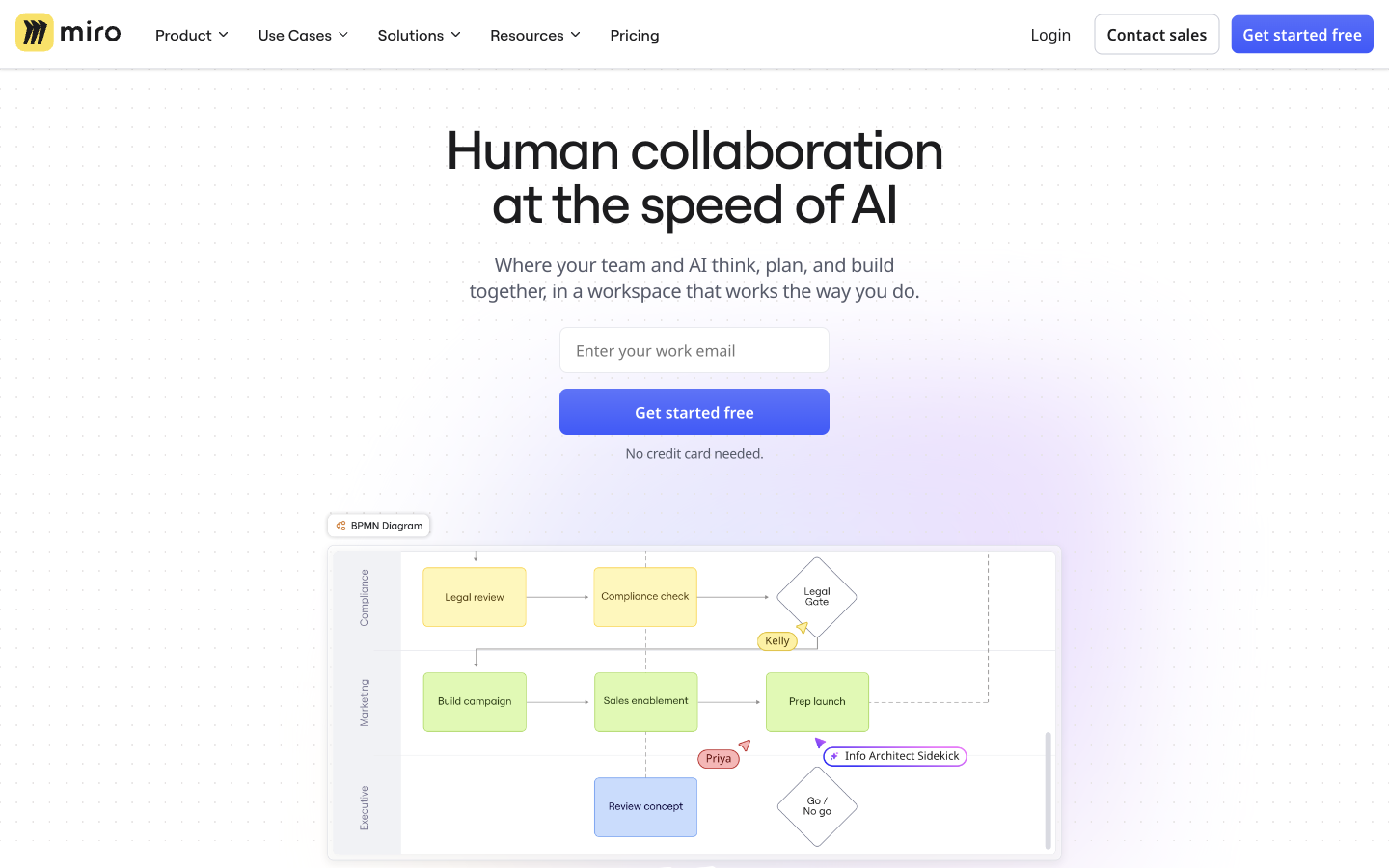
- Diagrams and systems mapping — Visualize technical and business systems with shapes and formats such as Mermaid, UML, AWS, and BPMN.
- Workshop facilitation — Run voting, timers, polls, 2x2 matrices, notes, and other collaborative activities.
- Integrations and MCP — Connect Microsoft, Slack, Google, Adobe, Jira, Asana, Linear, ClickUp, and AI tools through integrations and MCP.
- Enterprise governance — Apply SSO, audit logs, domain control, regional hosting, lifecycle controls, and AI administration.
💳 Pricing
- Free — $0; unlimited team members, 3 editable boards, templates, Docs/Tables/Slides/Kanban, limited AI exploration, and 10 AI credits per month.
- Starter — $8/member/month billed yearly; unlimited private boards, visitor editing, high-resolution exports, spaces/blueprints, workshop tools, 25 AI credits/member/month, and 500 MCP calls/day.
- Business — $20/member/month billed yearly; unlimited workspaces and guests, advanced diagrams and tables, prototypes, AI Workflows and agents, 50 AI credits/member/month, 2,000 MCP calls/day, two-way integrations, and SSO.
- Enterprise — Custom pricing from 30 members; enterprise security, regional data hosting, centralized administration, AI controls, at least 2,500 pooled credits/month, and 10,000 MCP calls/day.
Miro says annual billing saves 20% over monthly. AI credits are pooled across the organization, reset monthly, and do not roll over; additional credit packages are available. A Business plan has a 14-day trial on the reviewed pricing page.
⚖️ Alternatives Compared
| Product | Best for | Public pricing | Key difference |
|---|---|---|---|
| Miro | Visual collaboration and AI-assisted workshops | Free; Starter $8/member/mo yearly; Business $20/member/mo yearly; Enterprise custom | Combines a visual canvas, structured formats, integrations, MCP, and AI workflows |
| Mural | Facilitated visual workshops | Free and paid plans; see official pricing | Strong workshop and facilitation orientation with a separate workspace model |
| Notion AI | Documents and connected team knowledge | Free and paid plans; see official pricing | Document/database-first workspace rather than canvas-first collaboration |
| FigJam | Collaborative diagramming and workshops | Free and paid plans; see official pricing | Figma’s whiteboard experience closely connected to design files and product teams |
🎯 Use Cases
- Product discovery: Collect research, cluster feedback, and prioritize opportunities on a shared canvas.
- Design workshops: Facilitate ideation, voting, mapping, critiques, and customer journey work.
- Roadmapping: Combine tables, timelines, Kanban, and diagrams to plan initiatives.
- Technical design: Map architecture, cloud infrastructure, APIs, and business processes.
- Research synthesis: Summarize interviews, cluster sticky notes, and turn findings into a brief.
- Prototype exploration: Generate and iterate early interactive concepts from prompts or existing assets.
- Project execution: Track work visually and connect boards to Jira, Asana, Linear, or ClickUp.
- AI-assisted delivery: Use Flows, Sidekicks, and MCP to move board context into documents, code, and follow-up work.
Miro AI processes content visible on the canvas and uses credits. Review AI output, sharing permissions, integration access, and organizational data policies before using the workspace for sensitive material.
Miro Website Overview
Miro has an Ahrefs Domain Rating of 90 and falls within Cloudflare Radar's global top 2,000 popularity bucket. This bucket is unordered, and neither signal represents actual visits.
- Domain rating
- 90
- Popularity position
- Top 2,000
- Primary category
- Unavailable
- Ranked locations
- 0
Ahrefs
Cloudflare Radar
Cloudflare Radar
Cloudflare Radar
Website categories
No category data is available yet.
Top locations by rank
No location ranking is available yet.
Data coverage
Free popularity and domain-authority signals only; no estimated visits or engagement metrics are shown.
Sources: Domain Rating by Ahrefs · Cloudflare Radar · Oct 18, 2026. Cloudflare Radar data is licensed under CC BY-NC 4.0.
Similar tools
Indeed AI
FreemiumAI-assisted recruiting with paid Smart Sourcing and eligible free job posting.
DocuAsk
FreemiumAI document assistant for asking questions, comparing, searching, and summarizing PDFs
TextCortex
FreemiumTextCortex is your creative companion, harnessing the power of AI to revolutionize the way you create, communicate, and collaborate.
REZI
FreemiumATS-focused AI resume and career-document builder with keyword targeting, interview practice, and job-search tools
Linguix
FreemiumAI writing assistant for multilingual grammar, paraphrasing, shortcuts, and team style consistency