
OpenInterpreter
FreeProvider-agnostic AI agent for terminal coding and desktop work across files, apps, browsers, documents, and spreadsheets
About
Open Interpreter is an AI agent project with two documented surfaces: a Terminal Coding Agent for developers and a Desktop App for knowledge workers. The terminal agent can inspect a repository, edit files, run commands through sandbox and approval controls, review diffs, use MCP and skills, and resume sessions. The desktop agent can work across files, browser tabs, spreadsheets, PDFs, documents, and desktop applications while pausing for approval before actions that send, delete, overwrite, or otherwise have irreversible effects. Both surfaces are provider-agnostic: users can connect OpenAI, Anthropic, local models such as Ollama or LM Studio, or another compatible provider. Open Interpreter is not a customer-support SaaS; it is a local/agent workspace whose exact capabilities depend on the installed distribution, permissions, tools, and model provider.
✨ Key Features
- Terminal coding agent — Open a project and ask the agent to read files, plan changes, edit code, and run commands.
- Desktop work agent — Operate selected desktop applications and workflows through clicks, typing, menus, and dialogs.
- Provider-agnostic model selection — Connect OpenAI, Anthropic, local models, or other compatible providers and switch models from the interface.
- Local model support — Use Ollama, LM Studio, or another local endpoint when the chosen hardware and model support the workflow.
- Sandbox and approval controls — Constrain command, filesystem, and network actions and decide when the agent must ask for permission.
- Repository-aware context — Use project files, diffs,
AGENTS.md, sessions, MCP, skills, hooks, permissions, and subagents in supported terminal workflows. - Code execution — Run commands, tests, and development tools in the selected workspace under the active safety policy.
- Diff review and resumption — Review changes before they land and resume the latest session with its prior context and working directory.
- Document, browser, and structured workflows — Read and edit PDFs, DOCX, spreadsheets, text, and images; operate browser applications subject to permissions; extract and transform information into requested formats.
- Voice interaction — Give hands-free instructions and follow-ups in the desktop workflow where voice support is enabled.
- MCP and integrations — Connect MCP servers and built-in integrations to extend available tools and actions.
- Compatibility and installation — Use documented harness/compatibility modes; official installers cover macOS, Linux, Windows, and WSL-related paths, with availability varying by distribution.
💳 Pricing
- Open-source distribution and costs — The core self-hosted software has no universal paid subscription listed publicly; licensing and capabilities depend on the distribution. Hosted provider charges remain separate, local inference needs compatible hardware, optional hosted offerings must be confirmed at checkout, and VPS, remote desktop, third-party tools, MCP servers, and connected services can create independent costs.
Do not label Open Interpreter as a guaranteed free AI quota: the software and model access are separate. Before connecting private data or granting desktop permissions, confirm provider retention and training settings, distribution telemetry, account requirements, network egress, and the scope of any hosted feature. Pricing and product boundaries may differ between the terminal project, desktop app, and official distribution.
⚖️ Alternatives Compared
| Product | Best for | Public pricing | Key difference |
|---|---|---|---|
| Open Interpreter | Local/provider-agnostic coding and desktop task automation | Core software pricing varies by distribution; model costs separate | Combines terminal coding, desktop operation, local models, sandbox/approval controls, and MCP in an open project |
| OpenHands | Open-source software-development agents | Free/open source with hosted and self-hosting options; see official plans | More specialized in software-engineering agent tasks, while Open Interpreter also targets cross-application desktop work |
| Goose | Local-first developer agent with extensions | Free/open source; model costs separate | Developer-oriented extension workflow, while Open Interpreter spans a terminal agent and a desktop knowledge-work agent |
| Claude Cowork | Managed desktop work with Claude | Requires applicable Anthropic access; see official terms | Managed and Claude-specific, while Open Interpreter is provider-agnostic and can use local models |
🎯 Use Cases
- Repository changes: Ask the terminal agent to inspect a codebase, implement a change, run tests, and present a diff for approval.
- Code review and maintenance: Review uncommitted changes, investigate errors, update dependencies, or resume a long-running development session.
- Local/private development: Connect a local model and keep project files on a controlled machine or network.
- Document operations: Read PDFs, DOCX files, spreadsheets, images, or plain text and produce structured outputs.
- Browser-based operations: Complete approved workflows in portals, dashboards, CRMs, and internal websites.
- Cross-app research: Gather information from several desktop apps and organize it into a report or spreadsheet.
- Finance, legal, operations, and support work: Automate repetitive information movement while preserving review points before irreversible actions.
- Voice-driven assistance: Give voice instructions for supported desktop tasks and follow-up actions.
- Custom agent integrations: Extend the agent with MCP servers, skills, hooks, and compatible tools.
An agent that can edit files, run commands, or operate applications has meaningful security impact. Use a narrow workspace, least-privilege credentials, explicit approval modes, isolated profiles for sensitive work, and human review before sending, deleting, overwriting, purchasing, or publishing. Generated code, extracted data, and external actions may be wrong; validate them independently.
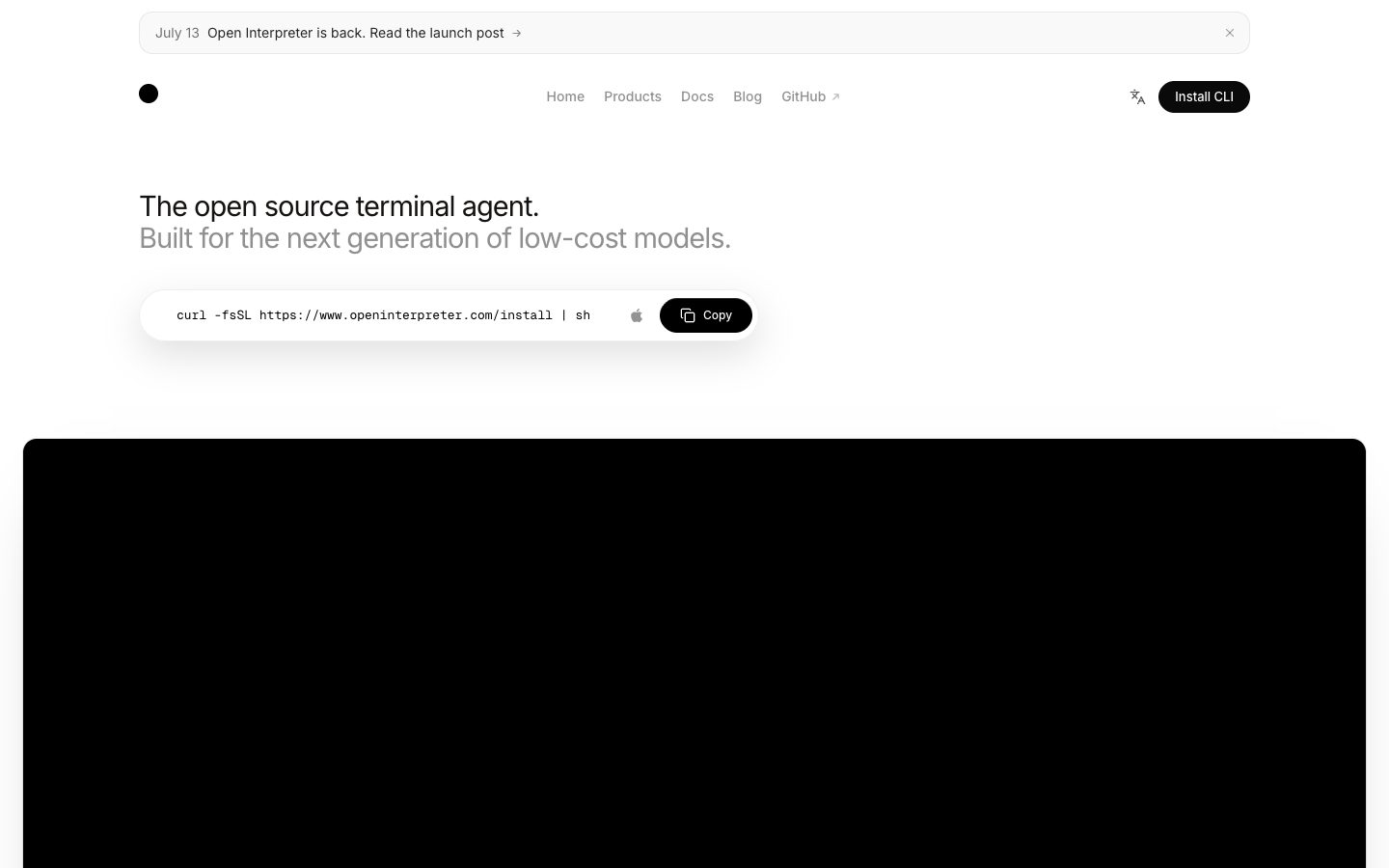
OpenInterpreter Website Overview
OpenInterpreter has an Ahrefs Domain Rating of 61 and falls within Cloudflare Radar's global top 200,000 popularity bucket. This bucket is unordered, and neither signal represents actual visits.
- Domain rating
- 61
- Popularity position
- Top 200,000
- Primary category
- Unavailable
- Ranked locations
- 0
Ahrefs
Cloudflare Radar
Cloudflare Radar
Cloudflare Radar
Website categories
No category data is available yet.
Top locations by rank
No location ranking is available yet.
Data coverage
Free popularity and domain-authority signals only; no estimated visits or engagement metrics are shown.
Sources: Domain Rating by Ahrefs · Cloudflare Radar · Oct 18, 2026. Cloudflare Radar data is licensed under CC BY-NC 4.0.
Similar tools
WorkClaw
FreeWorkClaw is a collaborative AI-coworker platform built on OpenClaw where teams deploy custom AI agents that work 24/7 across Slack, email, and 3,000+ apps;
Letta
FreeOpen-source platform for building stateful AI agents with persistent memory and flexible deployment
OpenClaw
FreeSelf-hosted AI assistant and gateway connected to chat channels and tools
Browse.sh
FreeOpen catalog and CLI for browser automation skills, browser primitives, debugging, and cloud sessions
Allyhub
FreemiumAI agents for browsing, research, analysis, reporting, and recurring workflows