
Zoom AI
FreemiumZoomMate and My Notes provide meeting notes and AI workflows with limited Basic and expanded paid access.
About
Zoom's current public AI product is ZoomMate, with My Notes for meeting note-taking. Older and plan-specific documentation also uses the AI Companion name. AI capabilities span meetings, notes, chat, phone, documents and productivity workflows. It can take meeting notes, summarize conversations, answer in-meeting questions, identify speakers, retrieve information, extract tasks, and help turn discussions into documents or other deliverables. The product is offered within Zoom Workplace and related AI packages, with availability and limits varying by plan, account, and region.
✨ Key Features
- AI meeting summaries for hosted Zoom meetings
- My Notes AI note-taking with speaker attribution and citations
- Support for note-taking across Zoom, third-party, and in-person meetings
- In-meeting questions and AI queries
- Intelligent retrieval across files and meeting content
- Task extraction and personal workflows
- AI assistance for Zoom Chat, Phone, Docs, and other Workplace surfaces
- Caption translation and multilingual collaboration support
💳 Pricing
- Workplace Basic / My Notes Basic — Free limited access: My Notes 3 uses/month; summaries and in-meeting questions for 3 hosted meetings/month; 20 AI queries/month; agentic search over 10 total files and 3 meetings; Zoom-only workflows 10 runs/month. Meetings are limited to 40 minutes and 100 participants.
- Paid My Notes / Workplace — Eligible paid plans expand note-taking and meeting features. Some queries, writing and personal workflows are available specifically on the ZoomMate web surface, not every client.
- ZoomMate — A separate paid AI teammate plan with 2,200 recurring AI credits/user/month in the current public offer. Credits apply to AI actions and agentic capabilities; check the selected package and billing cycle.
- Account boundaries — Licensing, admin settings, region and client determine actual availability. Limited Basic access does not make all AI capabilities free.
⚖️ Alternatives Compared
| Tool | Best fit | Difference |
|---|---|---|
| Google Meet | Google Workspace meetings | Native Google Calendar and Workspace integration |
| Microsoft Teams | Microsoft 365 collaboration | Teams, Microsoft 365, and Copilot ecosystem |
| tl;dv | Dedicated meeting intelligence | Focuses on recording, transcription, clips, and cross-meeting insights |
🎯 Use Cases
- Capturing decisions and next steps from team meetings
- Producing searchable notes for customer and sales calls
- Asking questions about an active meeting without manual note-taking
- Turning meeting transcripts into documents or structured data
- Extracting follow-up tasks from conversations
- Supporting multilingual meetings with translated captions
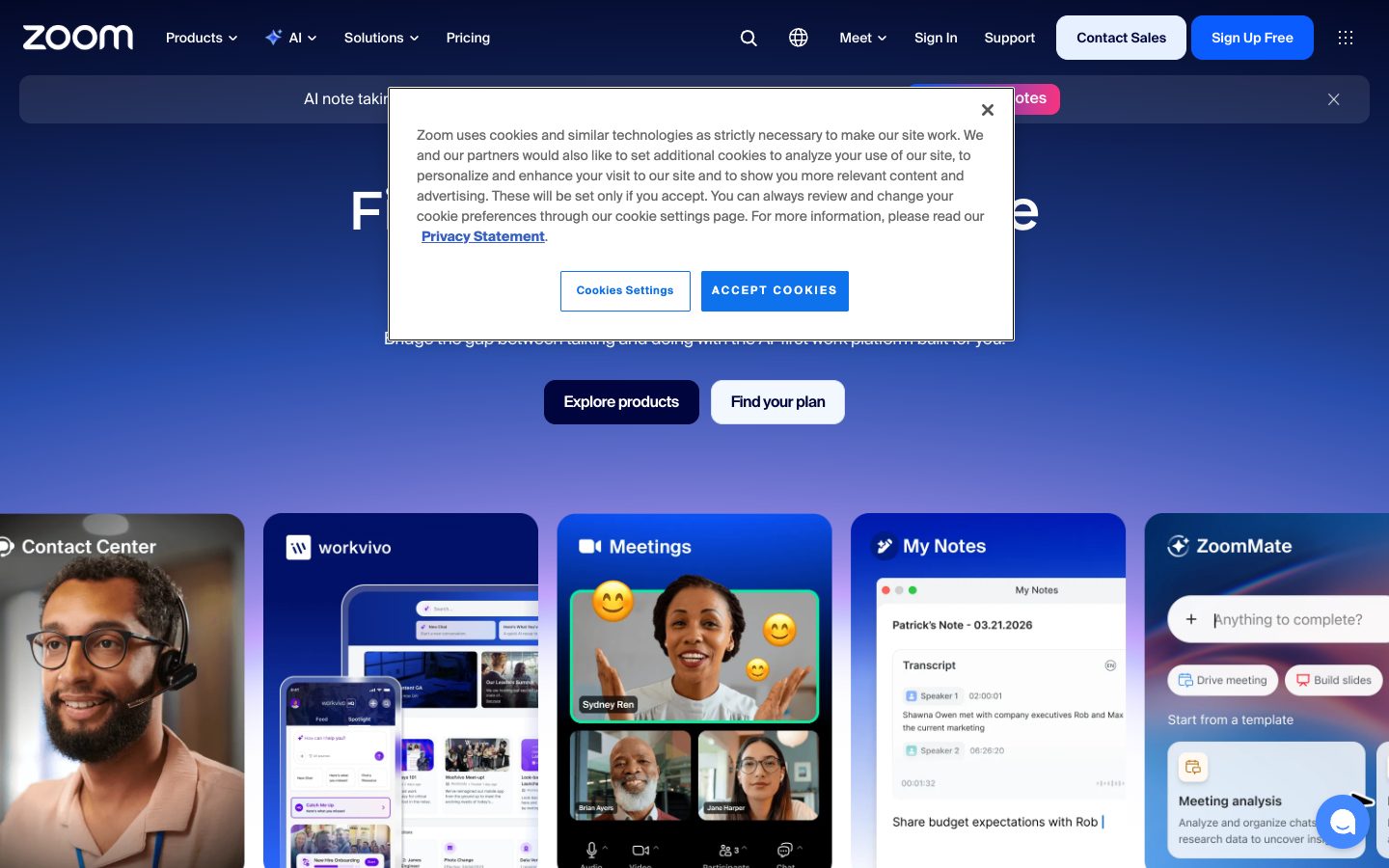
Zoom AI Website Overview
Zoom AI has an Ahrefs Domain Rating of 94 and ranks #65 in Cloudflare Radar's global popularity data. These indicators describe domain authority and relative popularity, not actual visits.
- Domain rating
- 94
- Popularity position
- #65
- Primary category
- Technology
- Ranked locations
- 0
Ahrefs
Cloudflare Radar
Cloudflare Radar
Cloudflare Radar
Website categories
Top locations by rank
No location ranking is available yet.
Data coverage
Free popularity and domain-authority signals only; no estimated visits or engagement metrics are shown.
Sources: Domain Rating by Ahrefs · Cloudflare Radar · Oct 18, 2026. Cloudflare Radar data is licensed under CC BY-NC 4.0.
Similar tools
Granola
FreemiumBot-free AI meeting notepad that combines local audio capture with your own notes
Grain
FreemiumAI meeting notetaker and conversation intelligence for searchable knowledge and team follow-up
Otter.ai
FreemiumAI meeting transcription, searchable notes, summaries and action items
Meetily
FreemiumMeeting assistant with local processing and optional cloud transcription or summaries
Fireflies.ai
FreemiumAn AI meeting teammate for transcribing, summarizing, searching, and acting on conversations
Microsoft Teams AI
PaidLicensed AI meeting recaps and collaboration in Microsoft Teams Premium or Microsoft 365 Copilot.