
Microsoft Teams AI
PaidFree trialLicensed AI meeting recaps and collaboration in Microsoft Teams Premium or Microsoft 365 Copilot.
About
Microsoft Teams AI refers to the AI-powered meeting and collaboration capabilities built into Microsoft Teams, rather than a separate standalone app. Teams can provide recaps, AI-generated notes and tasks, speaker and topic navigation, Copilot conversation, and audio or video recaps when the meeting is recorded or transcribed. Availability depends on the meeting type, transcription and recording policies, tenant configuration, and the assigned Teams Premium or Microsoft 365 Copilot license.
✨ Key Features
- Multilingual recap — Currently in Public preview; large-audience-optimized events are not supported. Language availability depends on the current supported list.
- Meeting recap — Review recordings, transcripts, shared files, notes, agendas, and follow-up tasks in one recap view.
- AI meeting notes — Generate structured notes from a transcribed meeting.
- Recommended tasks — Extract follow-up actions from the meeting discussion.
- Copilot in meetings — Ask questions, summarize key points, and continue work from the meeting context.
- Intelligent call recap — Recap eligible PSTN, one-to-one, and group Teams calls with AI notes and navigation.
- Speaker markers — Find who spoke and jump to the relevant point in a recorded event.
- Topics and chapters — Navigate a meeting using transcript and shared-content topics.
- Personalized timeline markers — Surface mentions, screen sharing, and join/leave moments.
- Audio recap — Create a podcast-style summary from up to eight selected meetings with a Microsoft 365 Copilot license; currently in Public preview and limited to scheduled, transcribed meetings.
- Video recap — Generate narrated highlights from a recorded and transcribed meeting lasting at least ten minutes; transcript-only meetings cannot provide video highlights.
- Live translated captions — Teams Premium can translate captions live in up to 40 languages.
- Meeting collaboration — Export or share recap material and continue documents or tasks with the team.
💳 Pricing
- Premium trial — One month free with a credit card. Unless cancelled during the trial, it converts to an auto-renewing twelve-month paid subscription; an eligible paid Teams license is still required.
- Microsoft Teams Free — Free collaboration and meetings; AI recap features are not automatically included and require the applicable license and policies.
- Microsoft Teams Premium — $10/user/month paid yearly on the reviewed Microsoft pricing page; an add-on requiring an eligible paid Teams license. It enables Intelligent Recap, AI notes, AI tasks, timeline and speaker markers, live translated captions, branding, and additional security features.
- Microsoft 365 Copilot — A separate Microsoft 365 Copilot license can also unlock Intelligent Recap, AI notes, audio/video recaps, and Copilot in Teams. Pricing depends on the Microsoft 365 or Copilot offer and region; check the current Microsoft licensing page.
A Microsoft 365 subscription that includes Teams, or a Microsoft 365 subscription without Teams plus a separate Teams license, is required for Intelligent Recap. Audio and video recap require a Microsoft 365 Copilot license, while intelligent text recap requires Teams Premium or Microsoft 365 Copilot.
⚖️ Alternatives Compared
| Product | Best for | Public pricing | Key difference |
|---|---|---|---|
| Microsoft Teams AI | AI recaps inside an organization’s Teams meetings | Paid Teams Premium US$10/user/mo yearly plus eligible Teams license; Microsoft 365 Copilot separately licensed | Uses the organization’s Teams recordings, transcripts, permissions, and Microsoft 365 context |
| Otter.ai | Cloud meeting transcription | Free and paid plans; see official pricing | Standalone transcription workspace rather than a Teams licensing layer |
| Fireflies.ai | Meeting intelligence and CRM workflows | Free and paid plans; see official pricing | Broader meeting-bot, search, and integrations model |
| Fathom | AI meeting notes and summaries | Free and paid plans; see official pricing | Independent meeting-notes product with its own capture and plan system |
🎯 Use Cases
- Team meeting follow-up: Turn a recorded discussion into notes, decisions, and assigned tasks.
- Missed-meeting catch-up: Read a recap or listen to an audio recap instead of reviewing the entire recording.
- Call review: Search speaker markers, chapters, topics, and mentions in eligible calls.
- Cross-language meetings: Use live translated captions for multilingual participants.
- Project collaboration: Share recap links and continue resulting documents or tasks in Microsoft 365.
- Customer and partner calls: Review call highlights while respecting tenant and participant permissions.
- Executive briefings: Use audio or video recaps to review several meetings quickly.
- Regulated organizations: Apply tenant recording, transcription, sensitivity, retention, and access policies to AI recap workflows.
AI-generated notes, tasks, and recaps may be inaccurate and should be reviewed. Teams stores meeting data according to organizational policy; confirm recording consent, retention, licensing, supported languages, and access controls before enabling these features.
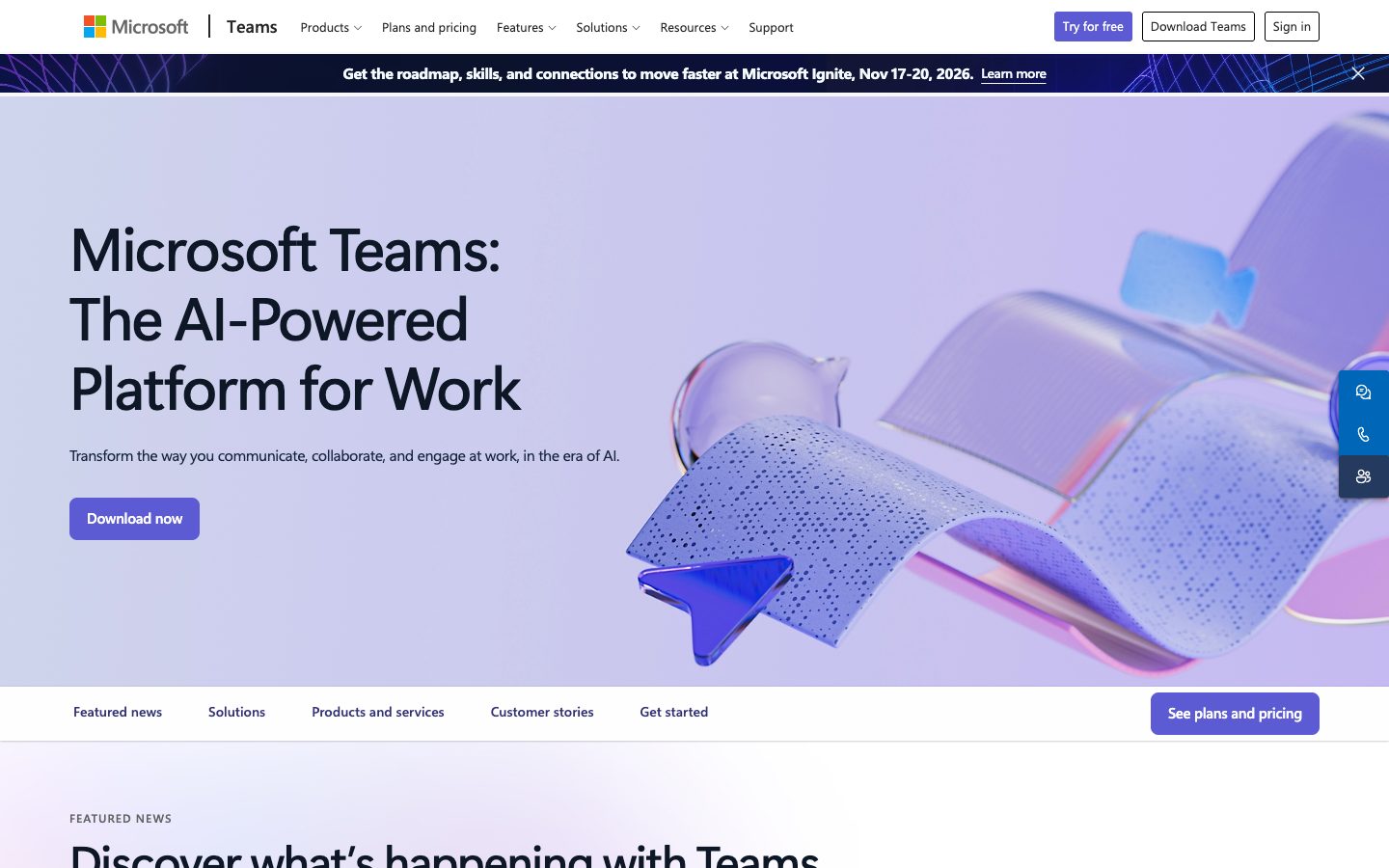
Microsoft Teams AI Website Overview
Microsoft Teams AI has an Ahrefs Domain Rating of 96 and ranks #8 in Cloudflare Radar's global popularity data. These indicators describe domain authority and relative popularity, not actual visits.
- Domain rating
- 96
- Popularity position
- #8
- Primary category
- Information Technology
- Ranked locations
- 0
Ahrefs
Cloudflare Radar
Cloudflare Radar
Cloudflare Radar
Website categories
Top locations by rank
No location ranking is available yet.
Data coverage
Free popularity and domain-authority signals only; no estimated visits or engagement metrics are shown.
Sources: Domain Rating by Ahrefs · Cloudflare Radar · Oct 18, 2026. Cloudflare Radar data is licensed under CC BY-NC 4.0.
Similar tools
Granola
FreemiumBot-free AI meeting notepad that combines local audio capture with your own notes
Grain
FreemiumAI meeting notetaker and conversation intelligence for searchable knowledge and team follow-up
Zoom AI
FreemiumZoomMate and My Notes provide meeting notes and AI workflows with limited Basic and expanded paid access.
Otter.ai
FreemiumAI meeting transcription, searchable notes, summaries and action items